rollo
your ai creative crew, right on your computer
trusted by small teams that ship a lot
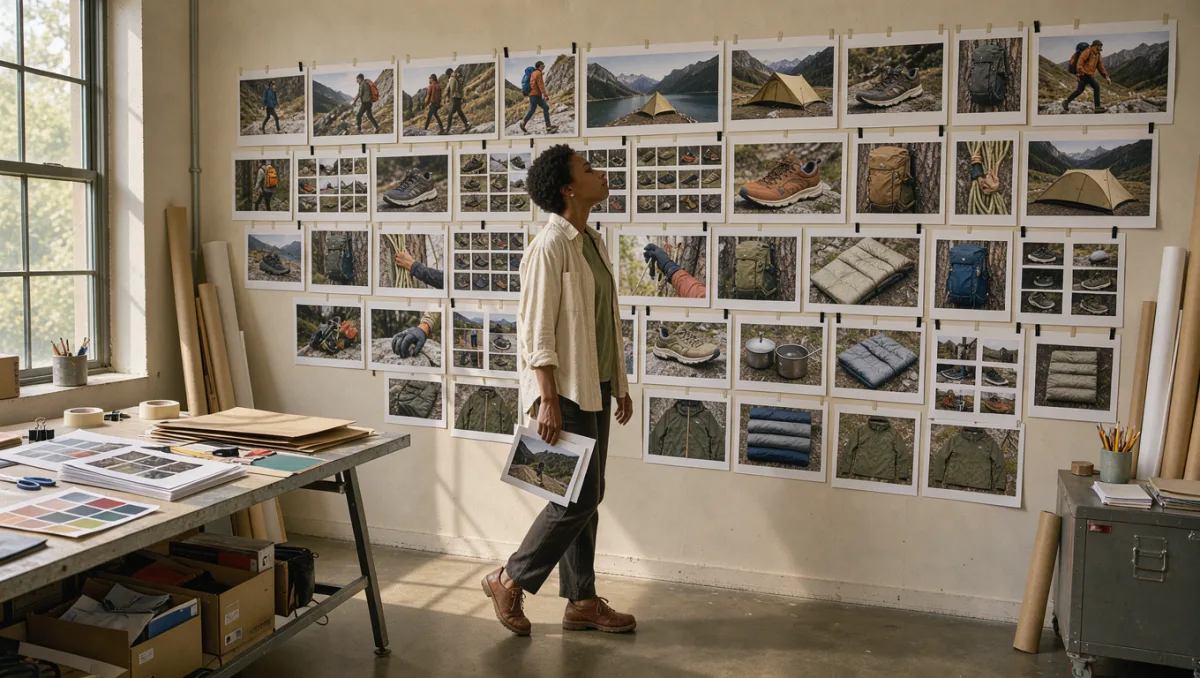
just say it
talk to rollo like a teammate. it turns a rambly voice note into a full canvas of shots, scripts and sizes.
point at anything
drop in a product photo, a screenshot or a mood board. rollo treats it as the reference and keeps every shot on-brand.
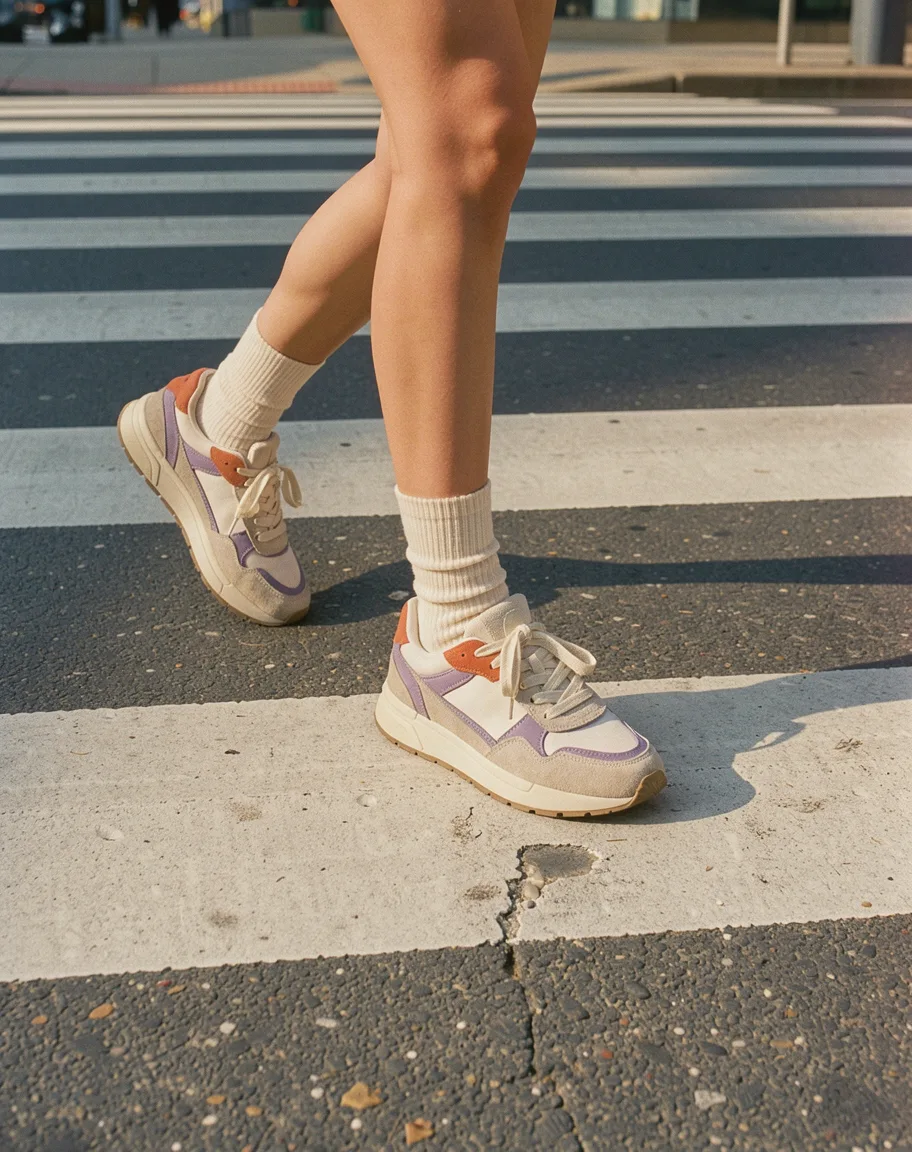
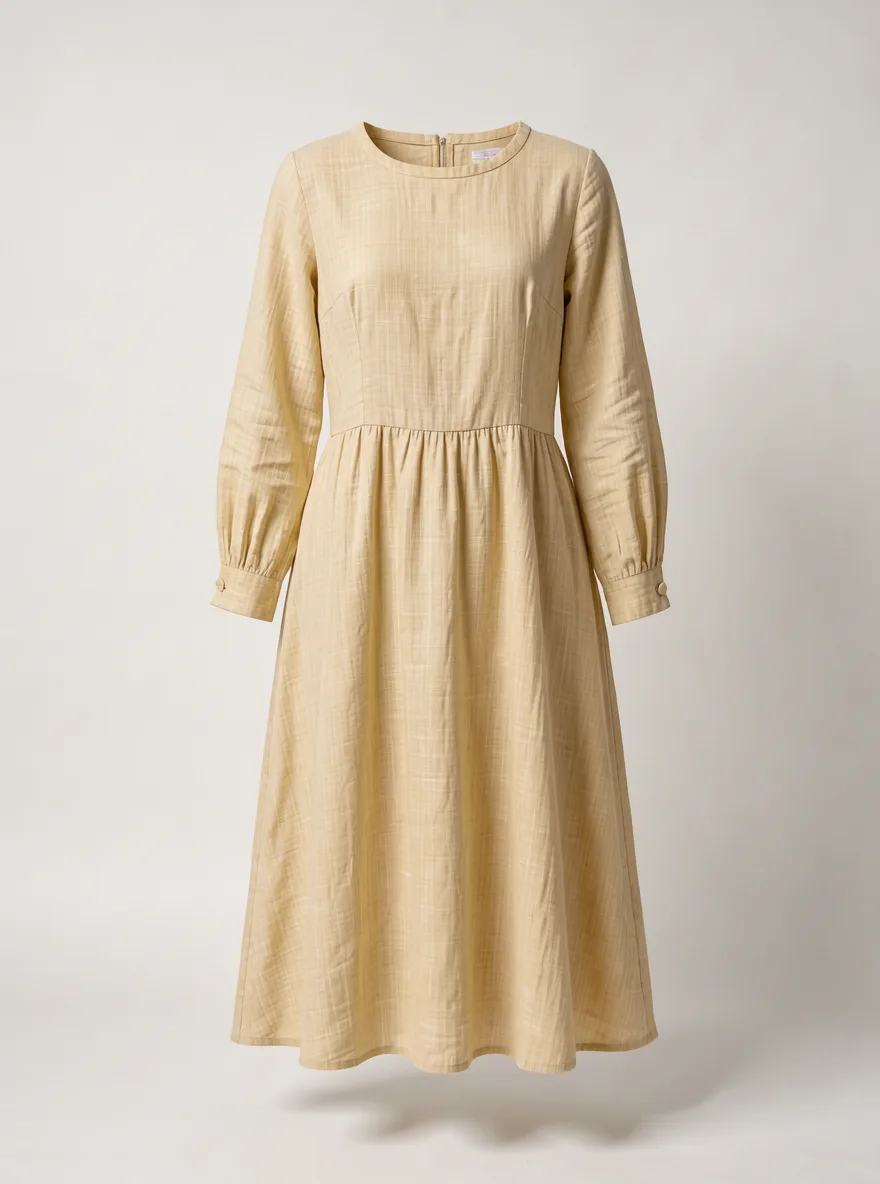
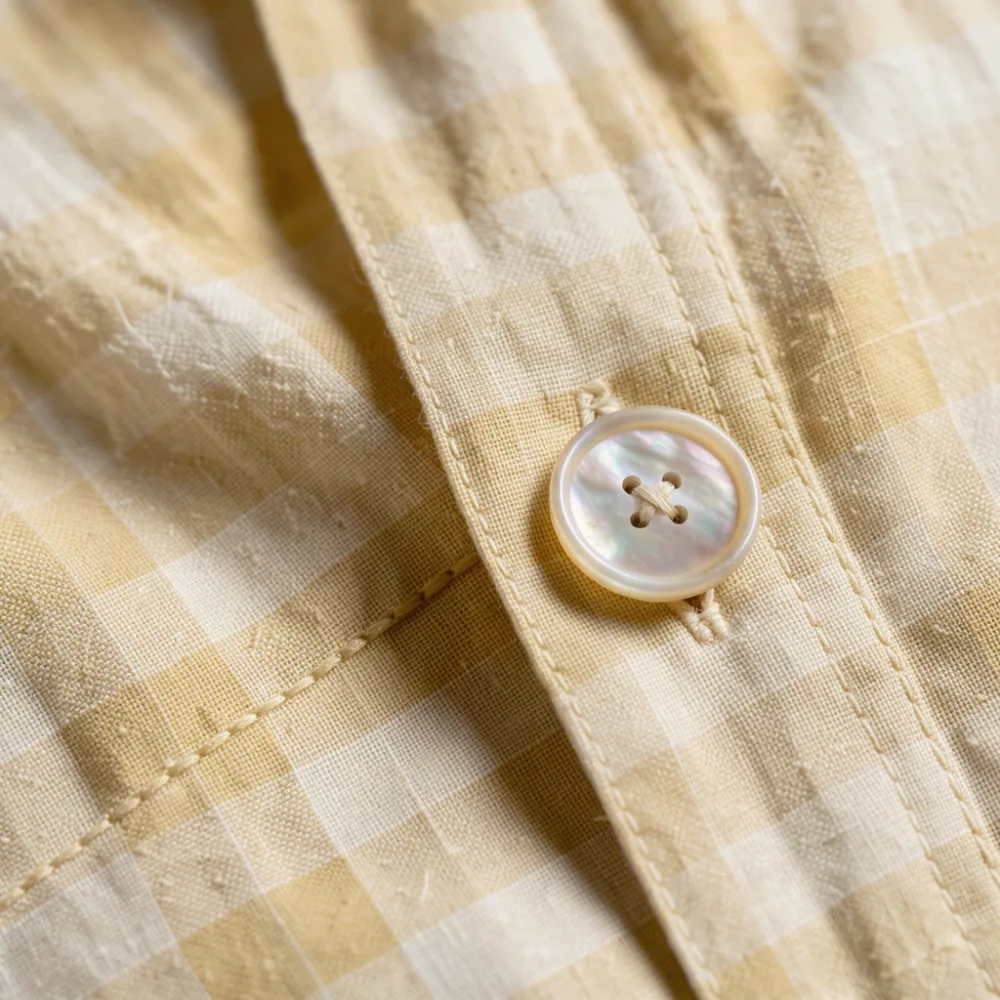
a hundred versions by lunch
one approved shot becomes every size, language and cut you need for launch day.
one canvas, every format
say what you need once. every step lands on the canvas as a node you can open, swap or run again.


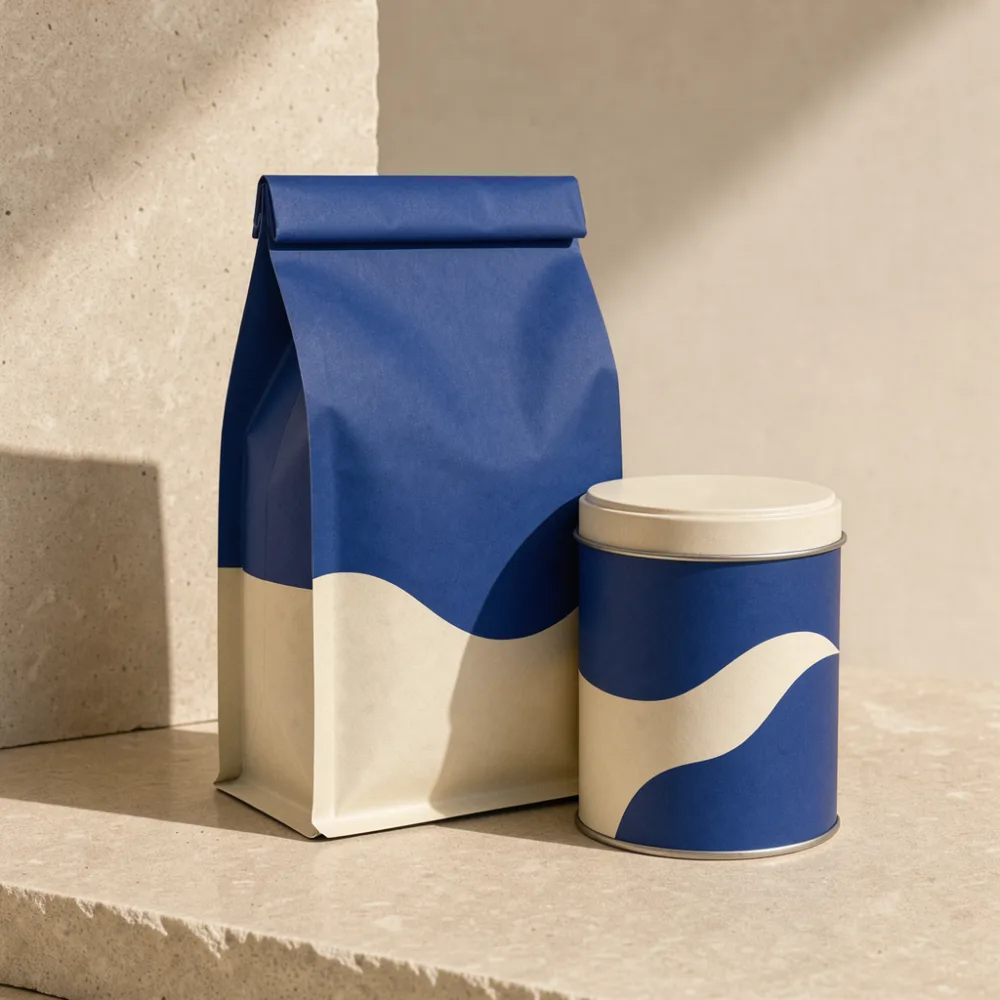
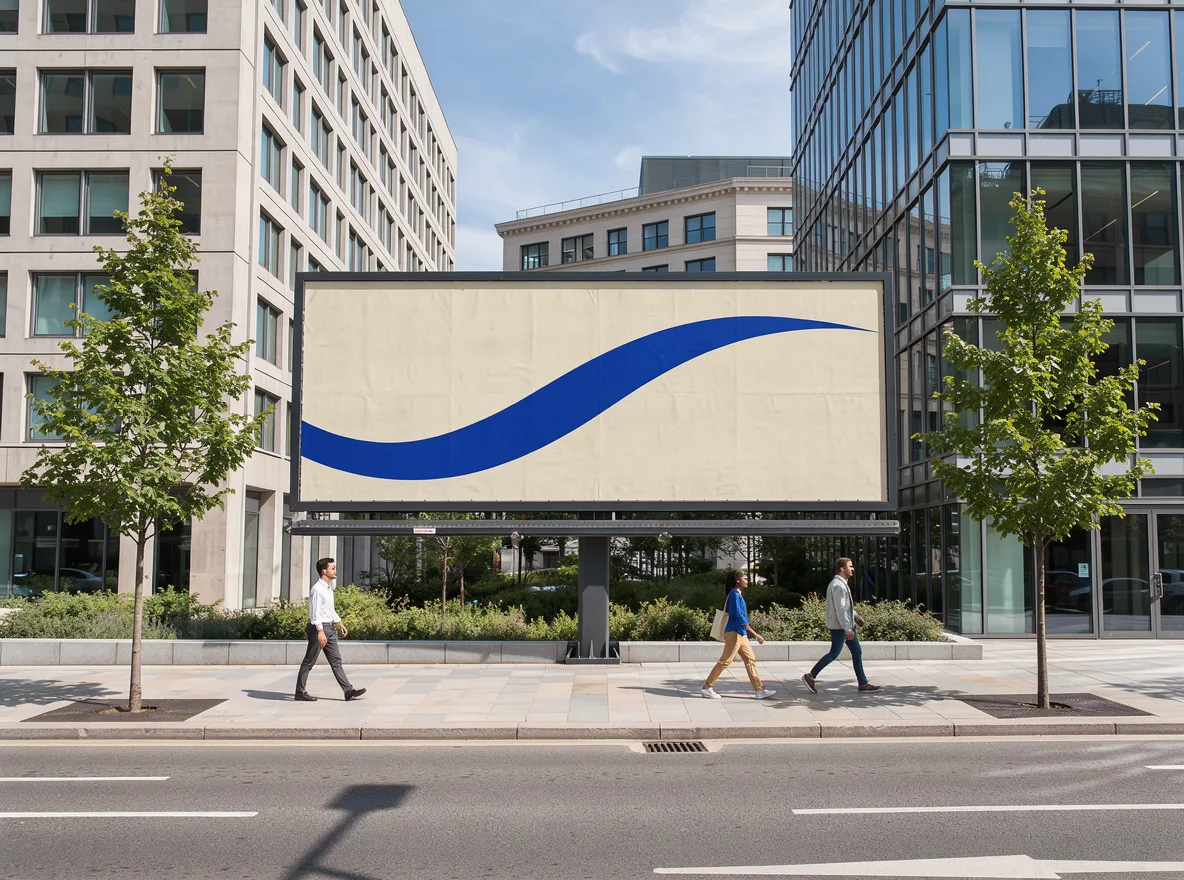
for anyone with a launch to fill
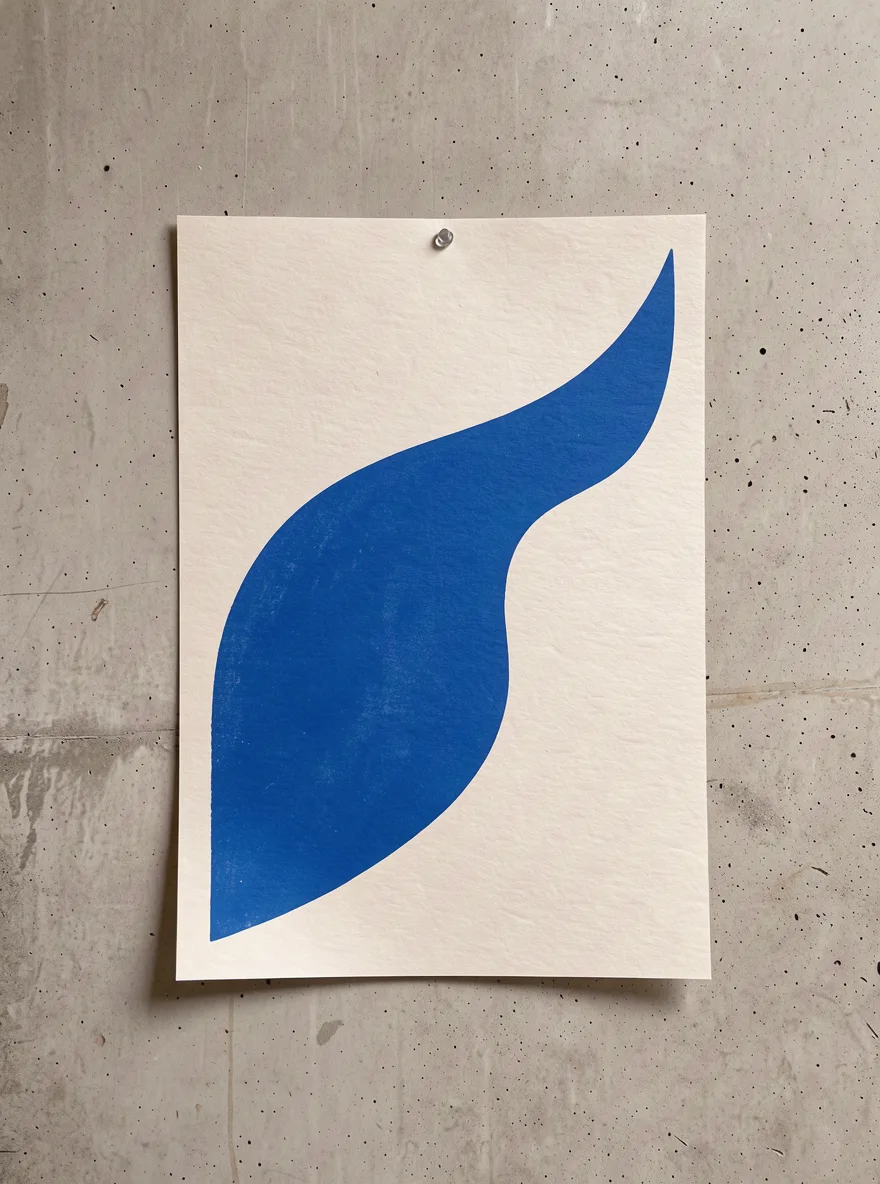


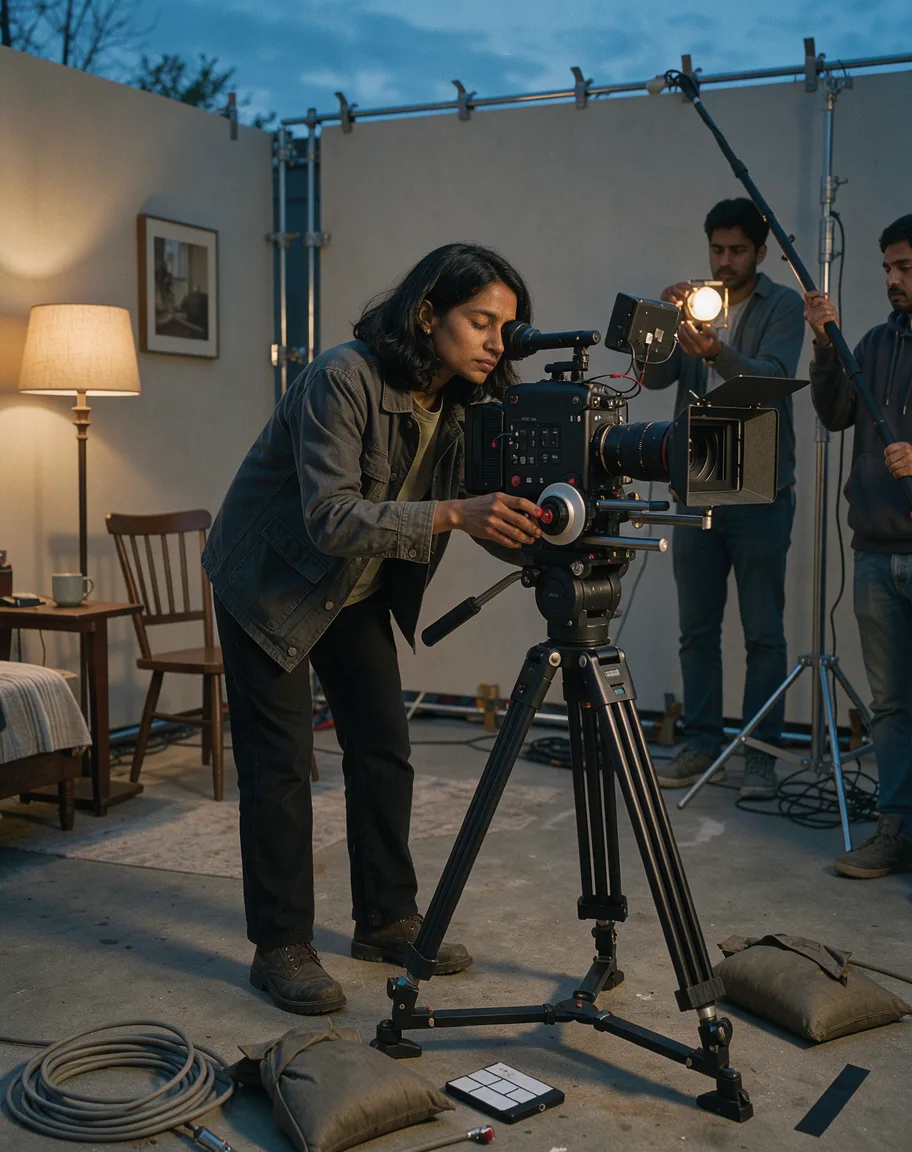



agencies
pitch work that wins the room, then the variants that run the campaign. the treatment and the rollout live on the same canvas.
we started rollo because making one launch meant opening six apps and a dozen tabs.
creative tools got heavy. every update added another panel, another export menu, another thing to babysit.
we think you should be able to just say what you want, point at what you like, and watch the work lay itself out.
rollo is the crew we wished we had. it does the busywork and leaves the taste to you.
it's still early. try it, poke at it, and tell us what you'd change.
co-founder

i described the shoot the way i'd brief a photographer, and the canvas was laid out before my coffee was done.

i make look frames with it before a shoot. the crew finally sees what's in my head.

the little marble rolling through the nodes sounds silly, but it's how i know what's done and what's still cooking.

the 9:16 cuts used to be the part of the job i dreaded. now it's the part i don't think about.

we built a whole launch kit from one product photo. the client asked which studio we'd hired.

swap one node and everything after it updates. that's the whole thing for me.

it kept our bottle looking the same across forty shots. that alone gave me my week back.

i'm not a designer. with rollo it feels like there's one sitting next to me who never gets tired of my notes.

product shots on white and in a kitchen, same afternoon. i didn't book a single studio this month.
pick your crew
three plans. cancel anytime.
free
see what the fuss is about.
best for trying it outincludes
- 50 credits a month
- 1 minute of video
- 1 agent at a time
- personal use
pro
for people who ship every week.
best for freelancers and makersincludes
- 2,000 credits a month
- 20 minutes of video
- 3 agents at once
- commercial use
studio
the whole crew on call.
best for small studiosincludes
- 10,000 credits a month
- 2 hours of video
- 10 agents at once
- shared brand kits
for teams
shared canvases, brand kits everyone draws from, and one bill. we'll set it up with you and move your old projects over.
questions, answered
what to know about rollo, your work and your plan.
yes. your canvases live on your computer. when a step runs in the cloud, rollo sends only what that step needs, and nothing you make is used to train models.
rollo picks the right model for each node, whether that's an image, a video, a voice or a line of copy. if you have a favourite, you can pin it on any node.
on pro and studio, yes. everything you make is yours to use in ads, on packaging and in client work. work made on the free plan is for personal use.
both. the mac app is quicker with big canvases and can read files on your computer. the browser version works in chrome, safari and arc, and your canvases stay in sync between them.
a credit is a small unit of work. an image costs a few, video costs more per second. every node shows its cost before it runs, so there are no surprises.
yes, from settings, in two clicks. your plan stays active until the end of the period you've paid for.
studio teams share canvases, brand kits and credits. if you need more than ten seats, talk to us and we'll set it up with you.
you can open, arrange and edit canvases offline in the mac app. making new images and video needs a connection.